Training on storage, backup & storage automations

📚 Course Curriculum Overview
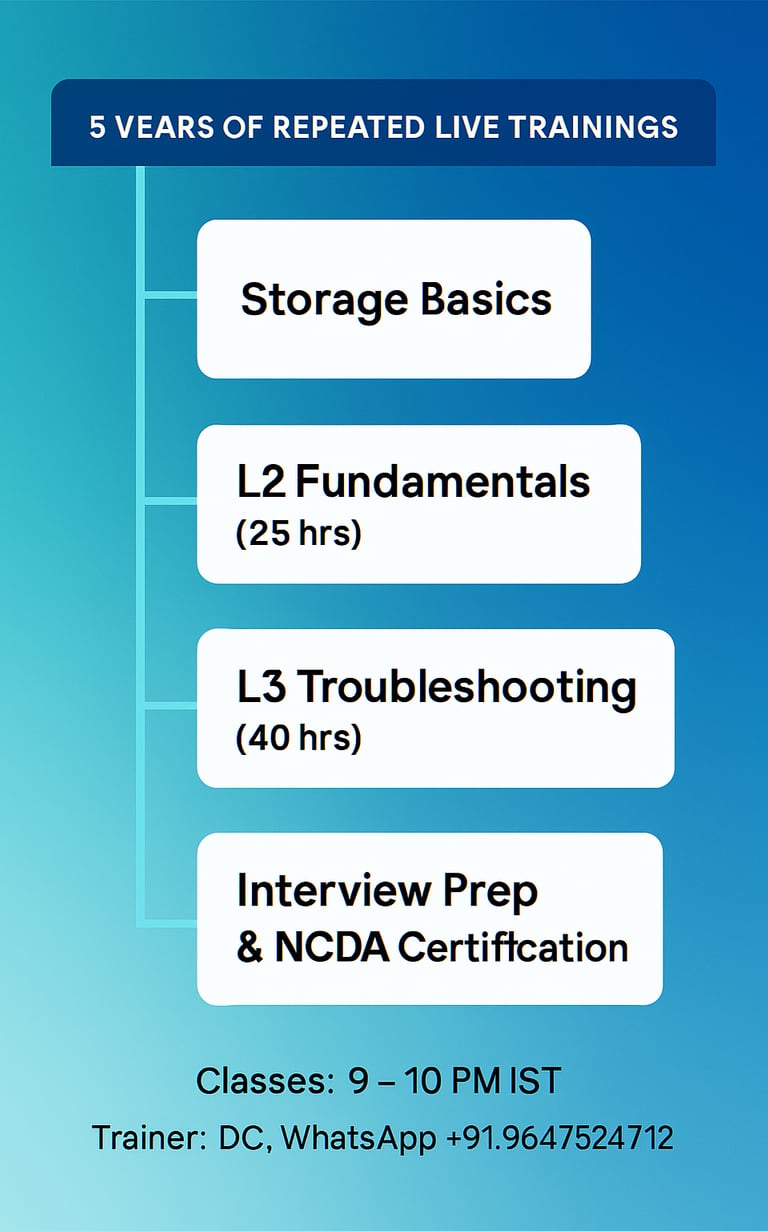
Repeated live trainings will be provided for 5 years.
This program is designed to help learners from non-storage backgrounds transition into the storage domain with confidence.
🕒 Class Schedule
Time: 8-9:30 AM IST
Trainer: DG (WhatsApp: +91 9647524712)
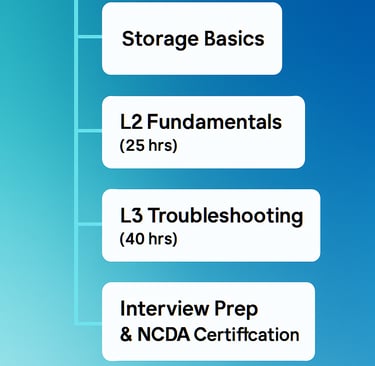
L2 Duration: 25 hours
L3 Duration: 40 hours
L3 = L2 + L3 (Troubleshooting-oriented training)
🔰 Storage Basics
SAN and NAS architecture
Front-end ports, back-end ports, and cache (read hit, write hit, etc.)
Disk types and RPM
RAID concepts
Performance metrics: IOPS, throughput, latency
Multipathing (MPIO): Ensuring the server stays connected if a cable or switch fails.
Fabric Login process
Zoning setup in Brocade SAN switches
SAN switch troubleshooting: port errors, slow drain devices
Ports on demand licensing, True-FOS licensing
SAN switch upgrade
Disaster Recovery Basics: Synchronous vs. Asynchronous Replication.
📘 L2 Syllabus – NetApp Foundation
After covering storage and SAN switch basics, we begin with NetApp storage:
Architecture of FAS and AFF arrays; Disk Shelf cabling, numbering, disk ownership
NetApp licensing and three shells
ADP; aggregate creation and expansion
Networking concepts: LIF, VLAN, Ifgrp, Ipspace, BD, Routes etc
CIFS and NFS share creation and troubleshooting
Qtree creation, quota increase, volume expansion, auto-grow
ISCSI and FC LUN allocation and troubleshooting
Storage health check using AIQUM and On Command System Manager
Local snapshot configuration, restore deleted data, troubleshooting
Auto Support setup, SSL/HTTPS certificate installation
ONTAP upgrade and rollback with AIQ prechecks and troubleshooting
Non-disruptive operations: storage failover, vol move, vserver migration, LIF migration
Concepts: Epsilon, Quorum
Snap Mirror replication, vault setup, DR testing for NAS & SAN
System configuration backup setup, scheduling weekly backups, FTP transfer
🧠 L3 Syllabus – Troubleshooting & Advanced Topics
Storage migration using SVM-DR and troubleshooting
MetroCluster IP configuration
Snap Mirror active sync for critical workloads
ONTAP Deploy upgrade and related issues
Troubleshooting space issues and object-not-found errors during code upload
Creating ONTAP Select cluster and troubleshooting
AIQUM installation, alert setup, ServiceNow integration
ONTAP installation session
Troubleshooting device discovery in AIQUM
7-Mode to C-Mode migration using 7MTT tool
ONTAP FlexGroup volume setup
BlueXP connector installation
Disaster recovery using BlueXP
Amazon FSx for NetApp ONTAP via BlueXP
Cloud Volumes ONTAP deployment for Azure CVO
Deploying a single-node Cloud Volumes ONTAP instance and HA pair with NFS & SMB.
StorageGRID management, replication setup, troubleshooting
Azure NetApp Files (ANF) deployment and management
SAN/NAS performance analysis using AIQUM and CLI
Cloud Insight/DII tool usage
BlueXP tiering
Cloud backup
Encryption
FabricPool configuration
Real-time troubleshooting: NFS mount, Plex, SnapMirror, NTLM, ONTAP Deploy, Hypervisor integration, failover, CRC errors, QSFP replacement
Google Cloud Storage for NetApp configuration
Ransomware protection and recovery
Multiprotocol NAS setup
Data protection using Snap Center
Additional sessions: FlexCache, FlexClone, MFA, FPolicy, SnapLock, ONTAP S3, E-Series, ASA arrays (initial config and BAU tasks)
Use the troubleshooting methodology for NAS and SAN protocols to define and isolate issues.
WAFL performance monitoring and analysis
Cluster interconnect performance
Interview preparation and one-on-one mock interviews
NCDA certification preparation
📝 Notes
Each batch includes new troubleshooting sessions.
🆕 Additional Topics
NFS trunking configuration
Storage decommission process
Advanced brocade san switch concepts(ISL setup, NPIV,LSAN,switch backup etc)
NetApp Storage Training